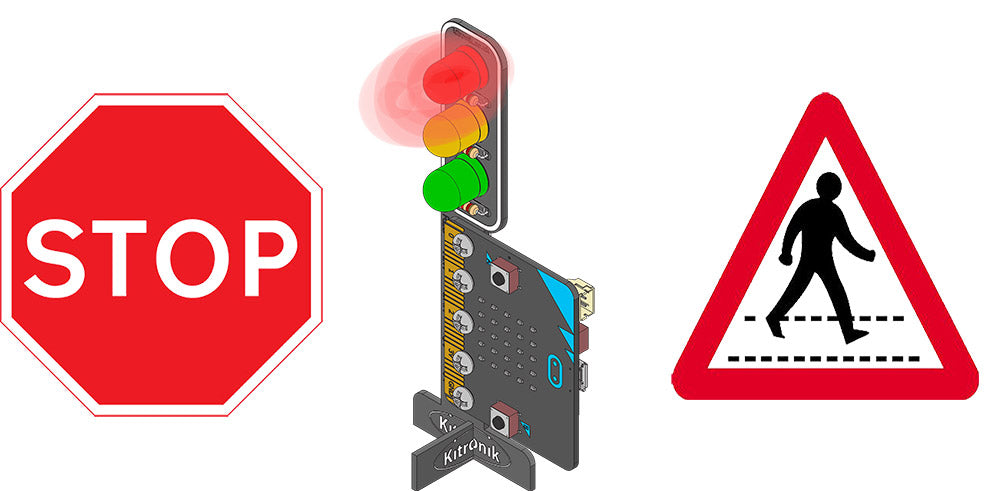
Our friends at Kitronik have made three great tutorials onprogramming the Kitronik STOP:bit Traffic Light, with yourBBC micro:bit. These tutorials are designed for students that are comfortable with drag and drop coding, usingMakeCode in the browser.
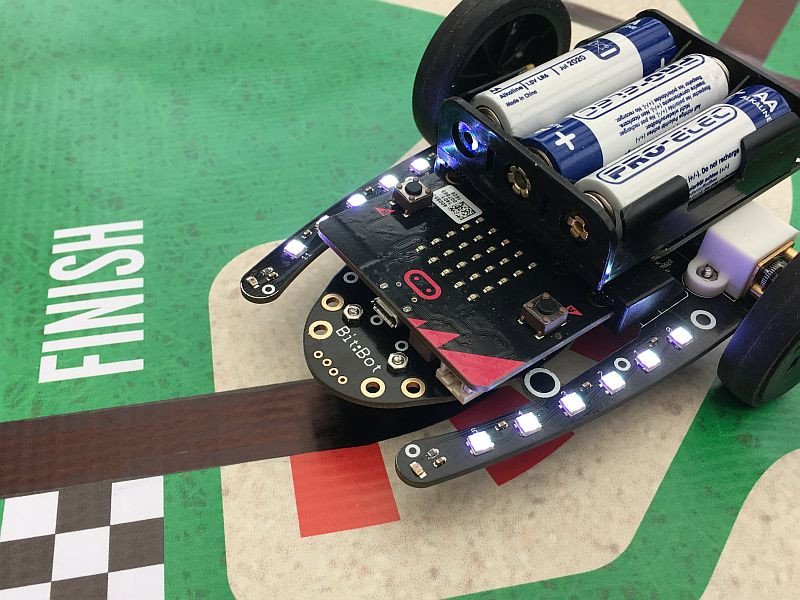
These Bitbot makecode tutorials will take you through understanding and implementing the RGB LEDs and buzzer, obstacle avoidance with the ultrasonic sensor, following a light source, line-following, and variable-speed radio control by reading pitch and roll from another micro:bit.
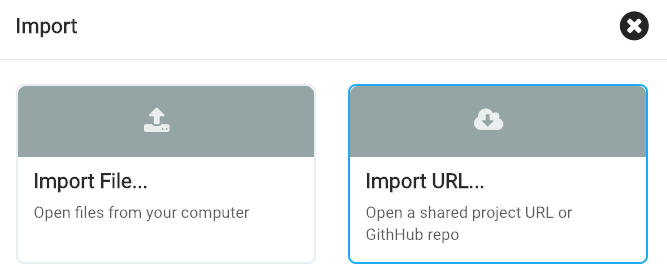
The editor itself does not have an upload option, but if you go to the bottom of the makecode page at https://makecode.microbit.org you'll find an Import button that will let you upload these .hex files from your computer or a URL
The Raspbian operating system, originally designed for the small Raspberry Pi computer, now has a version for laptops and PCs. Raspbian runs nicely on computers that are no longer deemed powerful enough to run the latest Windows or MacOS versions. Raspbian is great if you're setting up a kids' makerspace or school Code...
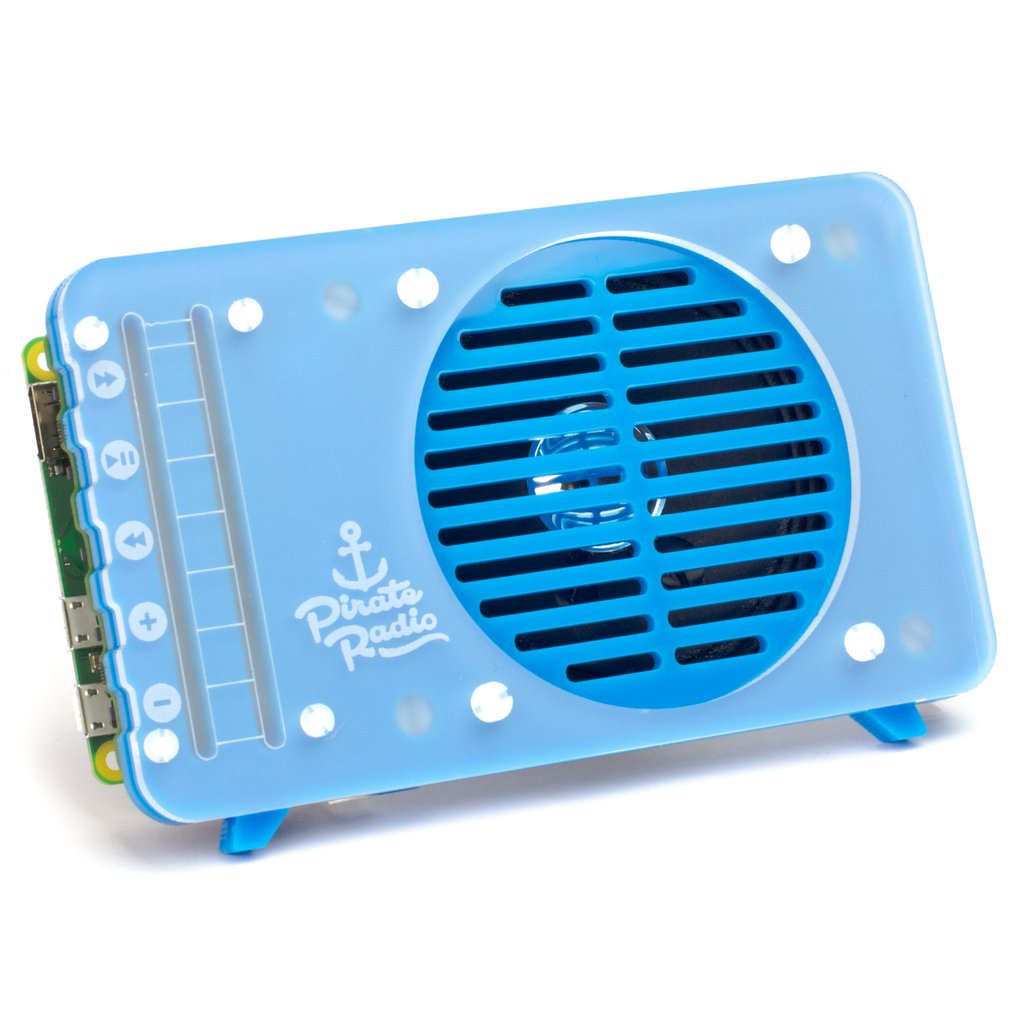
The Pimoroni Pirate Radio Kit is a fun way to listen to your favourite streams. Although a sample playlist is provided, here's some links to get you started looking for some kid-friendly/educational streams..